 PixelyChat
 Viewer interactions
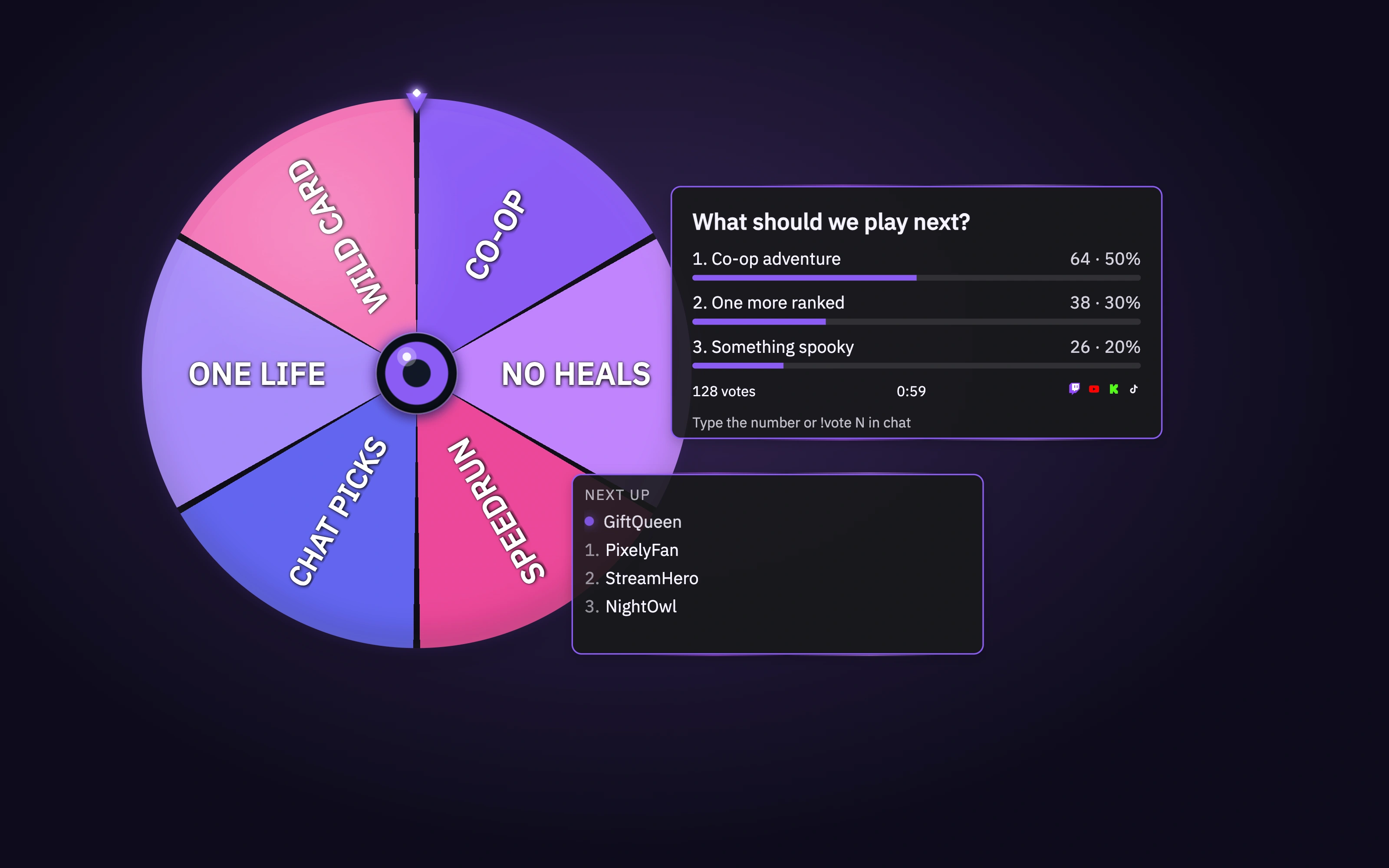
Run a Spin Wheel
Spin a wheel with custom entries.
Before you start
Enable Spin Wheel under Widgets → Specials and add the Stream Scene Browser Source.
Run a wheel with saved choices
- Open the wheel editor and its Templates. Create or edit the entries for your challenge or giveaway and check which entries are enabled.
- Save the template. Position the wheel in the scene preview, then select that saved template in Dashboard’s Action Widgets.
- Start the wheel, watch it stop and check the result in OBS. Test again before relying on it during a stream.
Check the result
The wheel uses your saved choices and displays its result. If old choices appear, save the editor and reselect the template. If the wheel is invisible, check its orientation and Stream Scene source.