Accounts & bot behavior
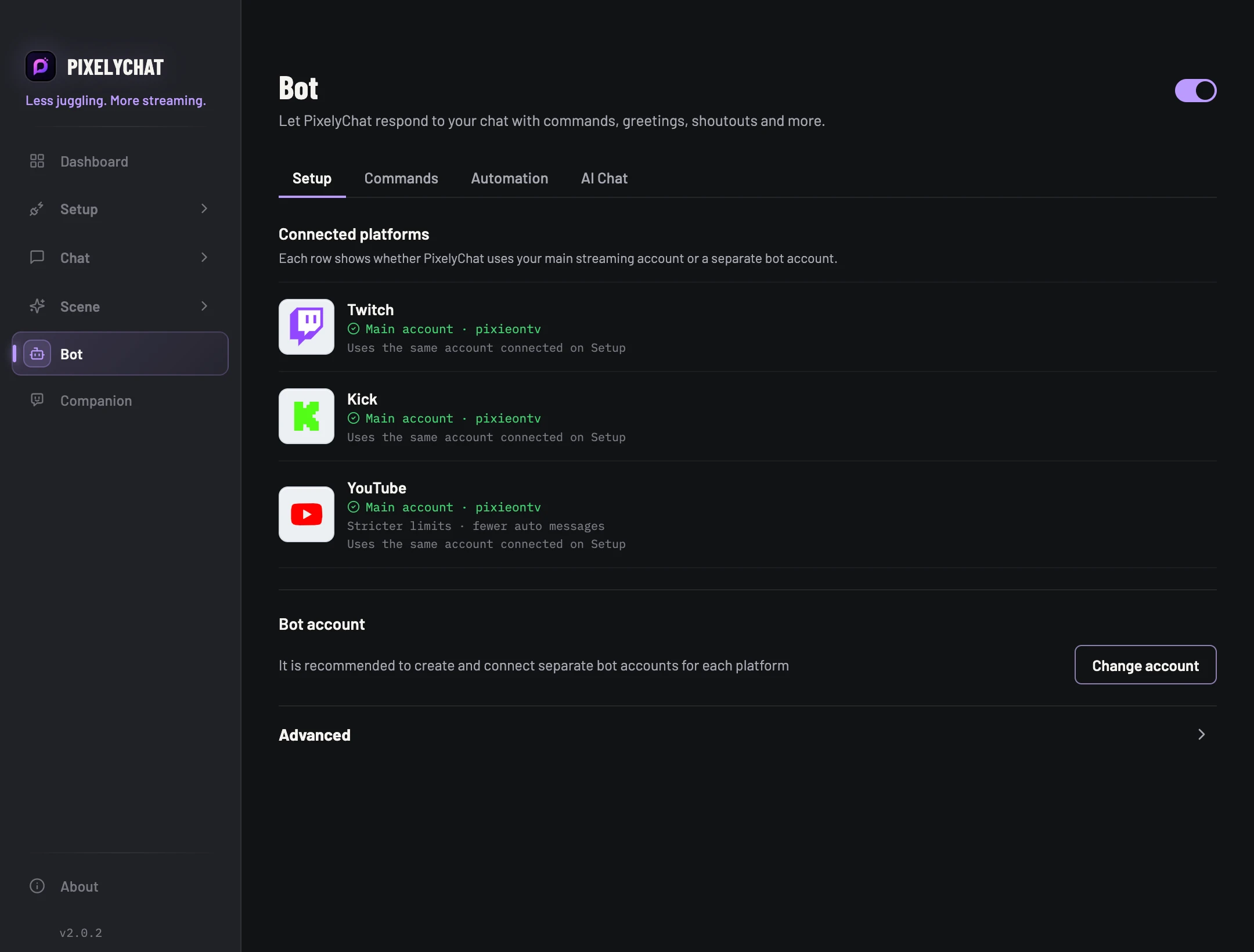
Use your main connected account or, where supported, a dedicated bot account. Dedicated bot accounts are recommended when you want a clear bot identity.
 PixelyChat / Manual
Control & automation
Commands, greetings, automatic messages, event reactions, shoutouts and optional AI chat live under one Bot.
Connect a platform where the bot can send messages, and enable Bot. Decide whether to use your main account or a supported dedicated bot account.
The reply appears once in the intended chat. If it does not, check the sending account, platform selection, access rules and cooldown. Add automated messages and AI responses only after the basic command works.
Use your main connected account or, where supported, a dedicated bot account. Dedicated bot accounts are recommended when you want a clear bot identity.
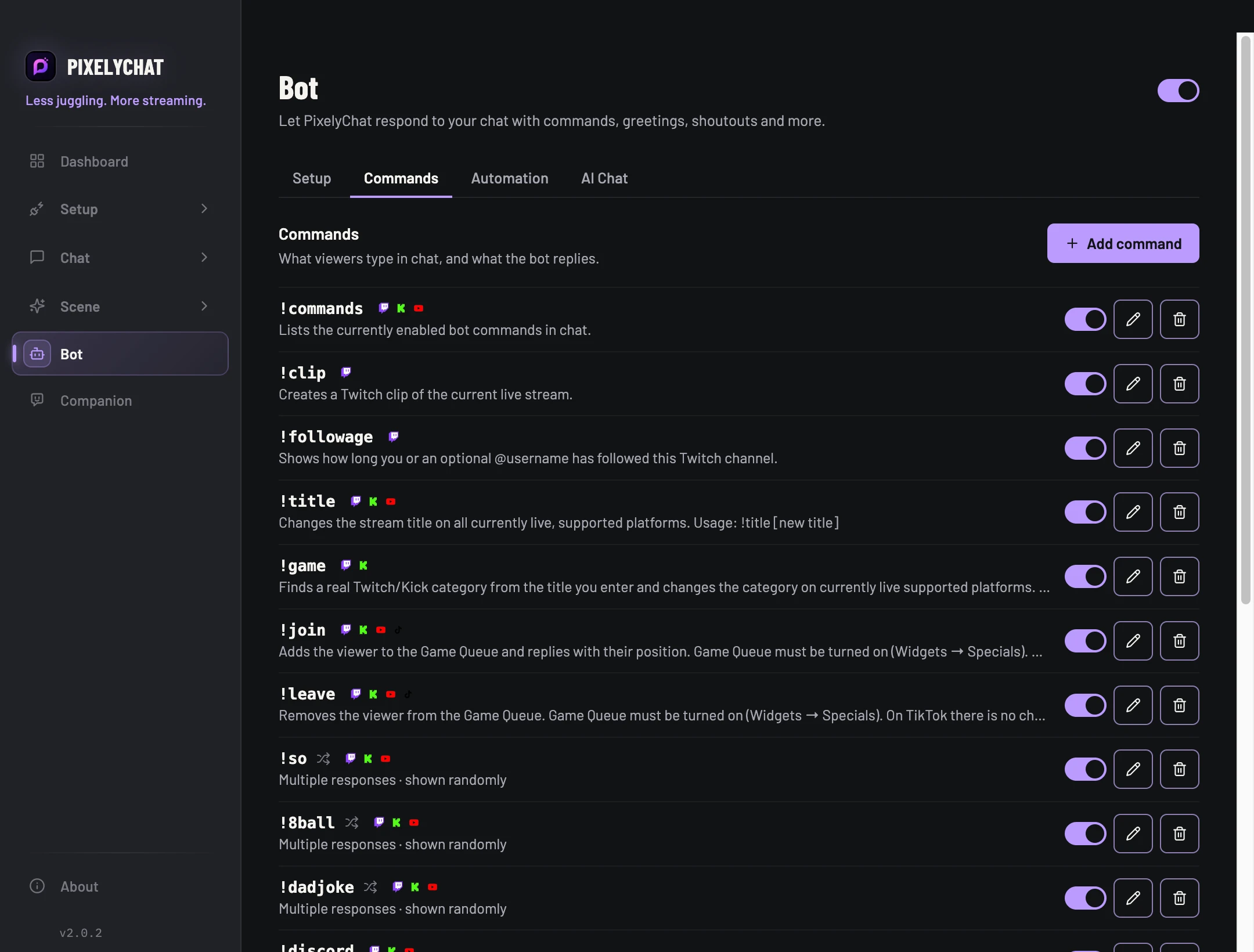
Create commands, set access level, platforms, cooldowns and multiple randomized replies. Built-in commands can be enabled or disabled.
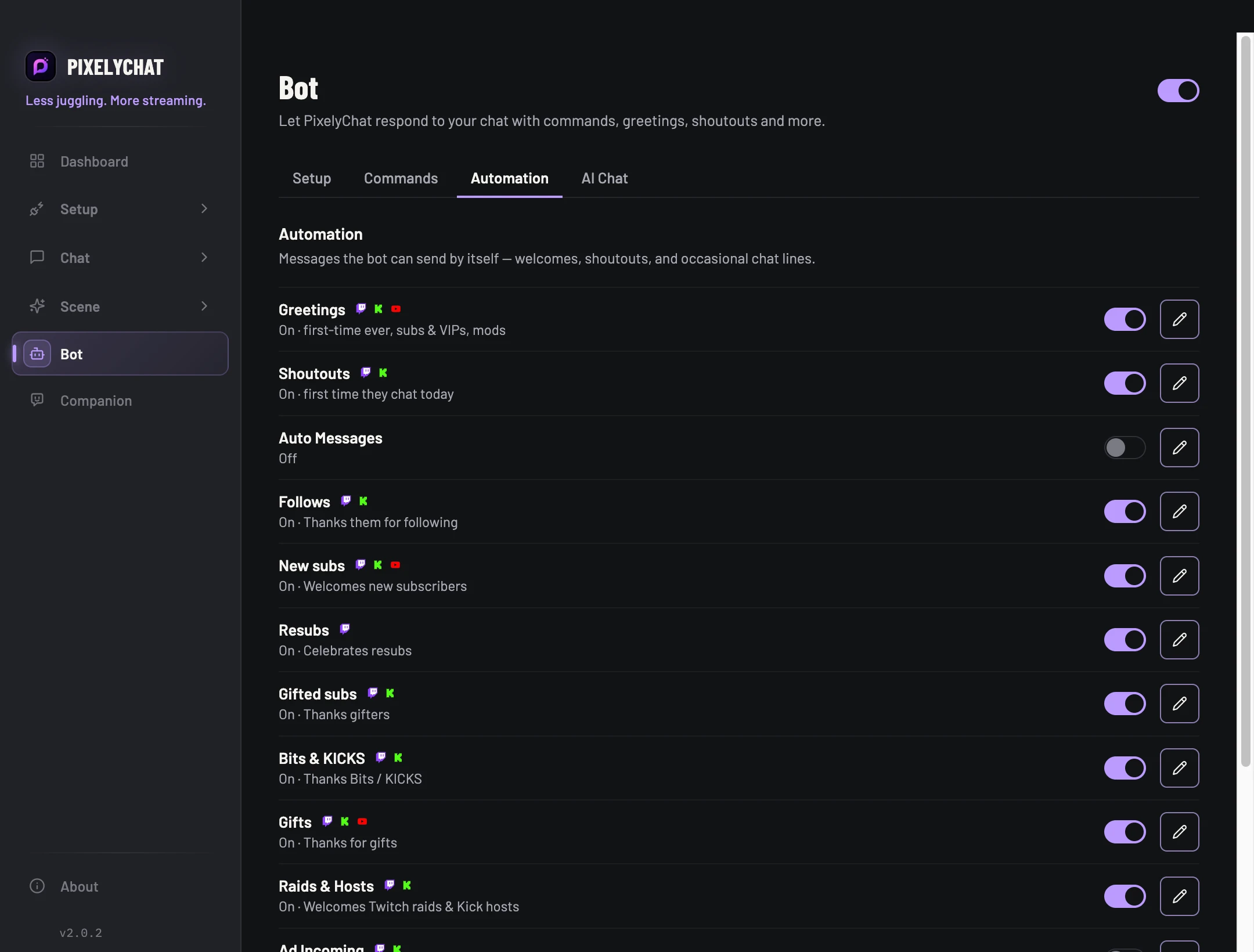
Configure greetings, event reactions, creator shoutouts, Visual Shoutout, timers and automatic stream messages.
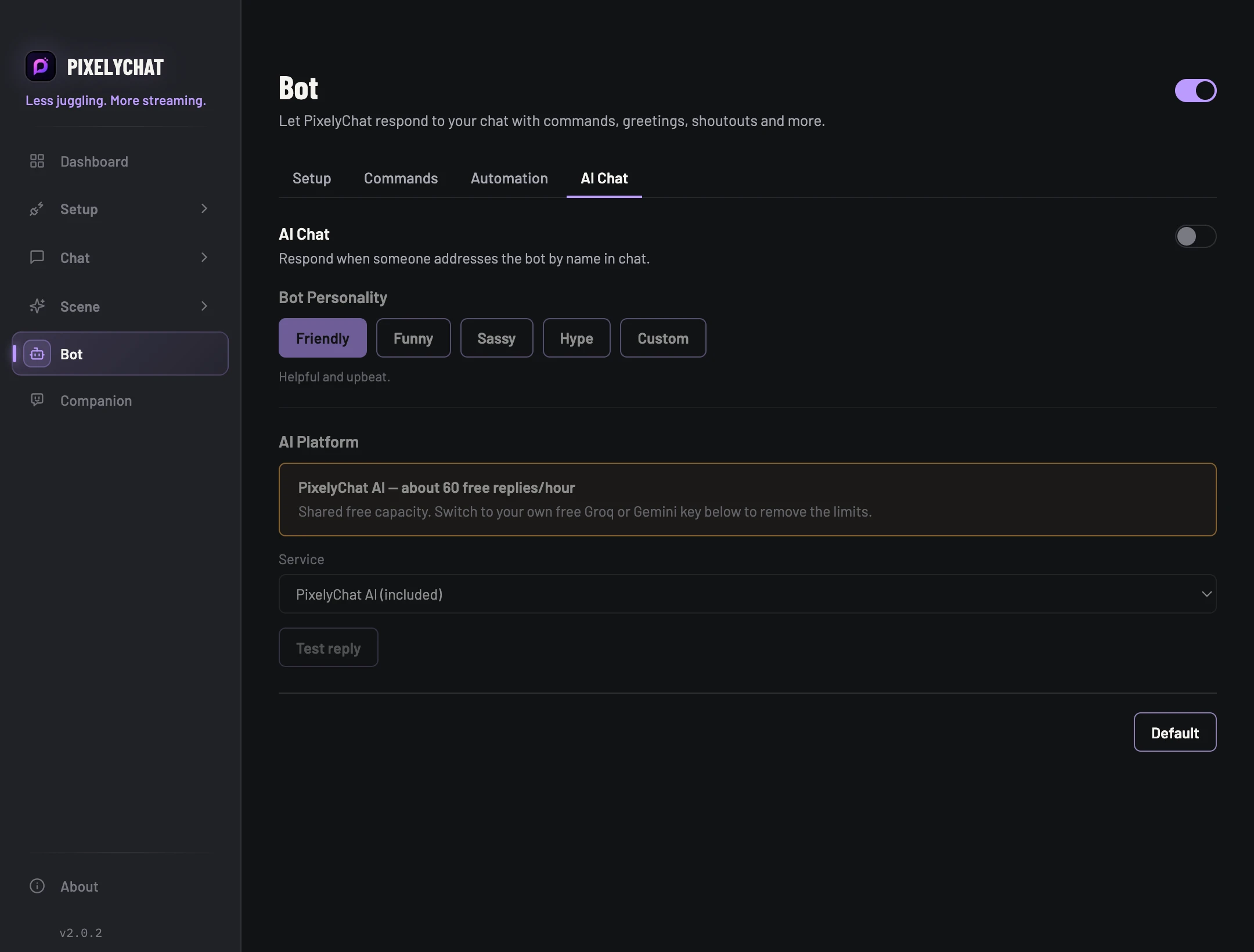
Use PixelyChat AI or your own Groq / Google Gemini provider, select a personality, and control reply language and proactive behavior.