 PixelyChat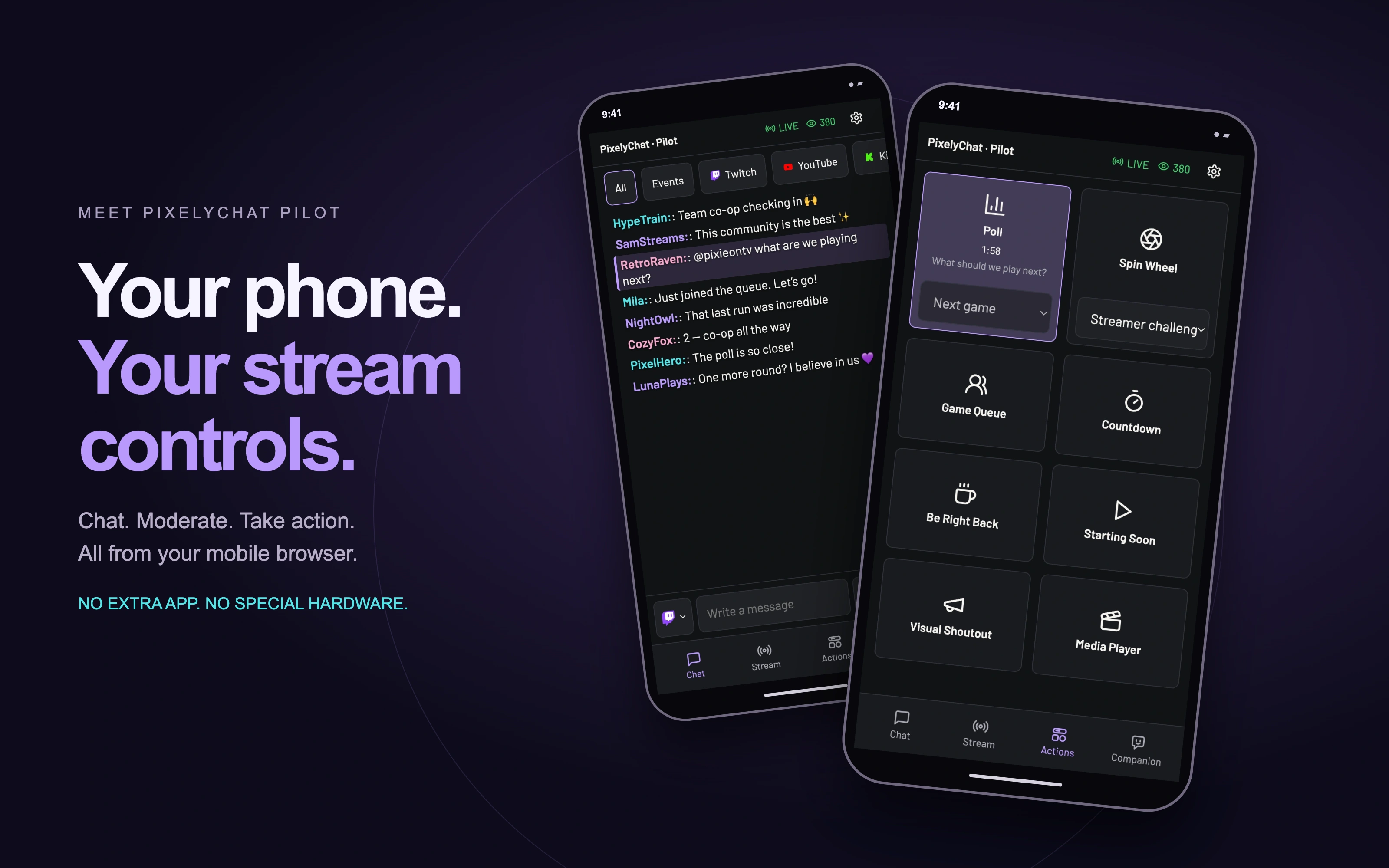
A control deck. Already in your pocket.
You already have a touchscreen next to your keyboard. Pilot puts it to work. Prop up your phone beside your monitor, or give that spare tablet a place on your desk: your chat, stream details and Action Widgets are right there, ready to use.
It is the convenience of a stream control deck, with room to read and respond, too. Pilot runs in your mobile browser and connects to PixelyChat on your computer over your local network.
Your whole chat, within reach.
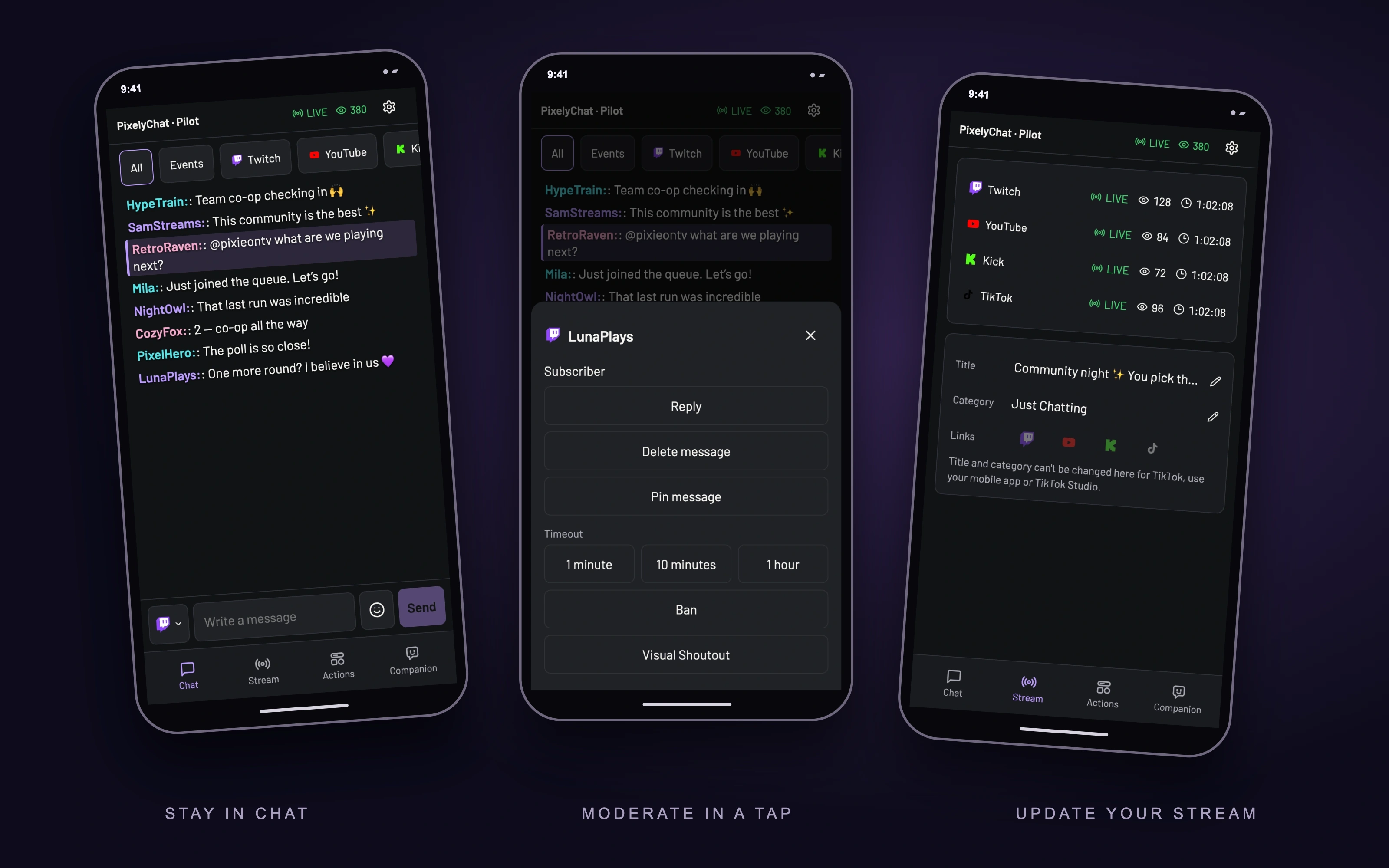
Keep up with Twitch, YouTube, Kick and TikTok in one feed. Filter by platform or activity, and send replies on supported platforms. Tap a message to open the available moderation actions, so you can handle chat without switching away from your game.
Big buttons. Real control.
Start a poll, spin the wheel, run a countdown or put up your Be Right Back screen. Pilot brings your enabled Action Widgets to a touch-friendly grid, with live status and timers. Pick a saved Poll or Spin Wheel template right on the phone, then trigger it when the moment is right.
The controls stay connected to PixelyChat, so you can see what is running instead of guessing whether a button worked.
Change the plan without leaving your game.
Moving from chatting to a community game? Check your live viewer counts and stream time, then update the title and category for supported live platforms from Pilot’s Stream tab. You can also send a message to your Companion from its own tab.
Scan. Approve. You’re in.
- Keep PixelyChat running on your computer and connect your phone or tablet to the same local network.
- Open Pilot in PixelyChat, enable it and show the QR code.
- Scan the code with your phone and approve the device on your computer. Pilot opens in your browser.
No dedicated control pad to buy and no extra app to install on your phone. Just the device you already have, with your stream tools a tap away.