 PixelyChat
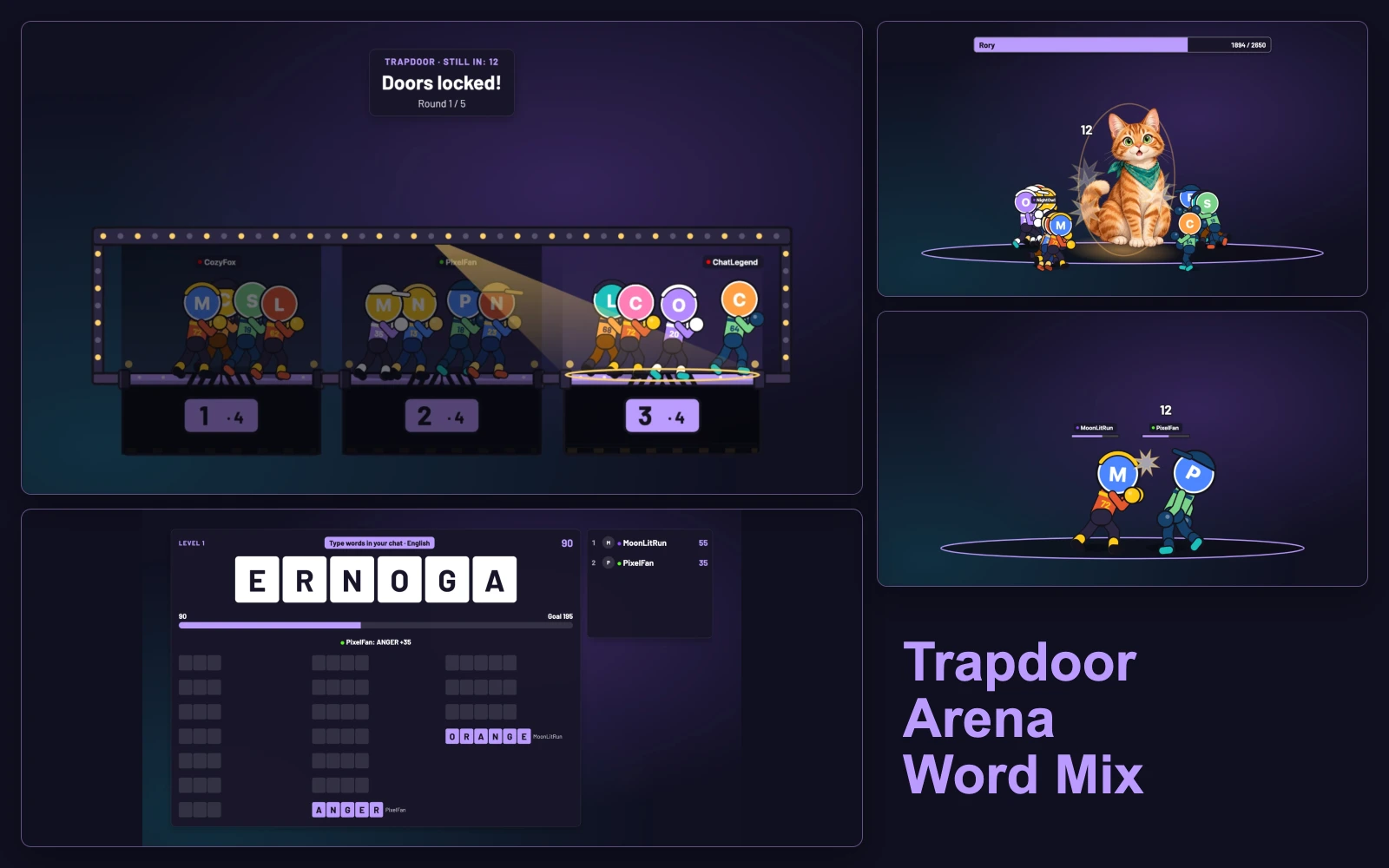
One more round. One terrible door choice. One viewer who somehow survives everything. Games brings those moments right onto your stream, with Arena, Trapdoor and Word Mix built into PixelyChat. Your viewers play from the chat they already use on Twitch, YouTube, Kick or TikTok—no extra game to install.
One game. All your chats.
Twitch, YouTube, Kick and TikTok viewers can play together in the same game, at the same time. Pick all connected chats in Games → Setup: one Boss Fight team, one Trapdoor stage, shared Word Mix goals and duels across your connected platforms. Viewers participate from their own platform's chat.
Trapdoor: trust your gut. Regret it together.
Two or three doors. A stage full of viewers. One opens each round, and everyone standing on it falls. The spotlight sweeps, the doors lock, and suddenly chat's very confident prediction looks a lot less convincing.
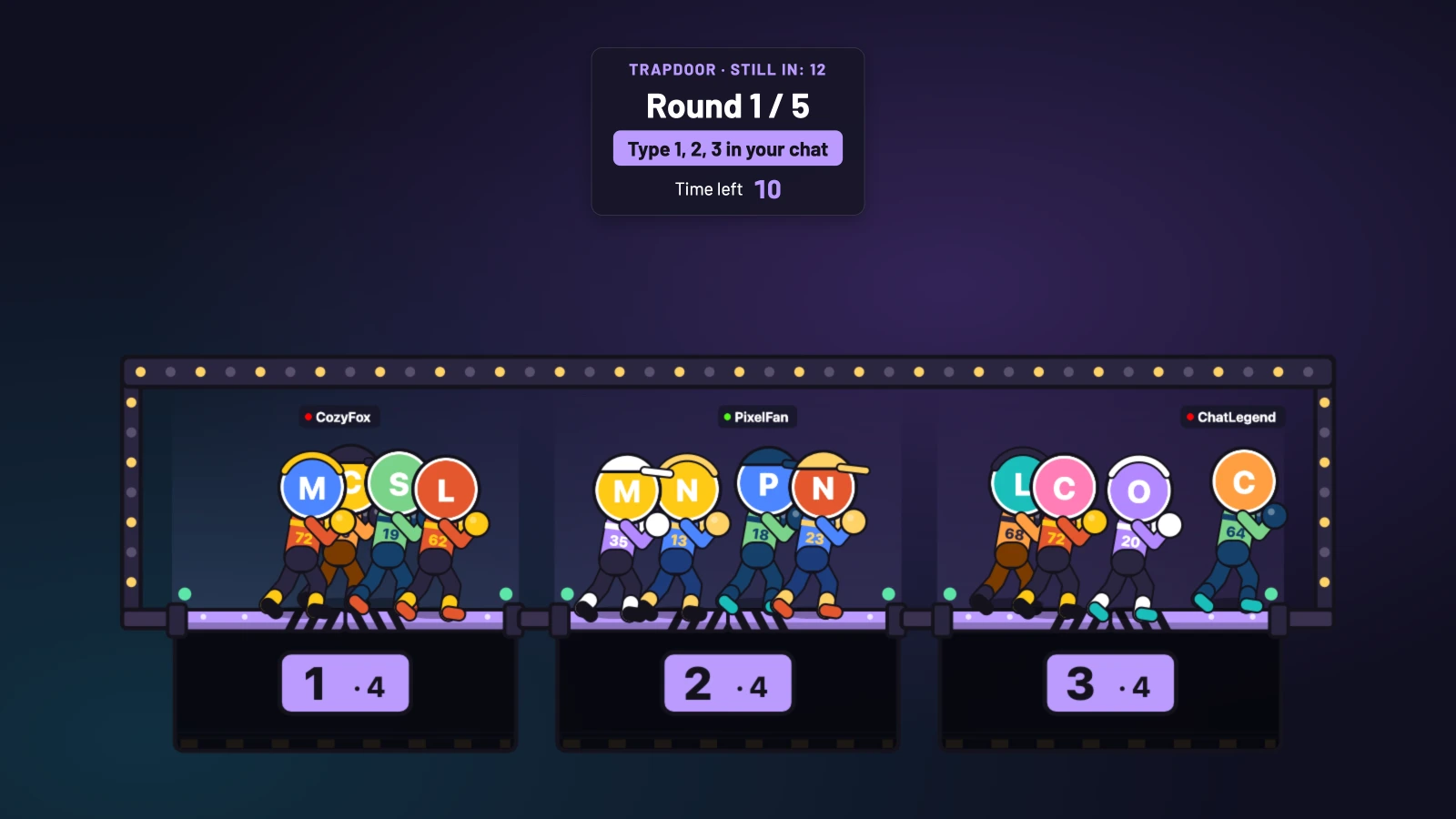
- Type
!playwhile the lobby is open, then type a door number: 1, 2 or 3. - Change your mind before the countdown ends. Your door stays selected until you switch; you don't need to repeat the same message each round.
- The last survivor wins. If several survive the configured limit of up to five rounds, they share the win. If everyone falls, the floor wins.
Boss Fight: chat versus one very big problem.
Put your community on the same side and give them a boss to take down. Choose an installed Companion as the boss, keep its original face or add your profile photo or an uploaded image. Yes, chat can gang up on a giant version of you.
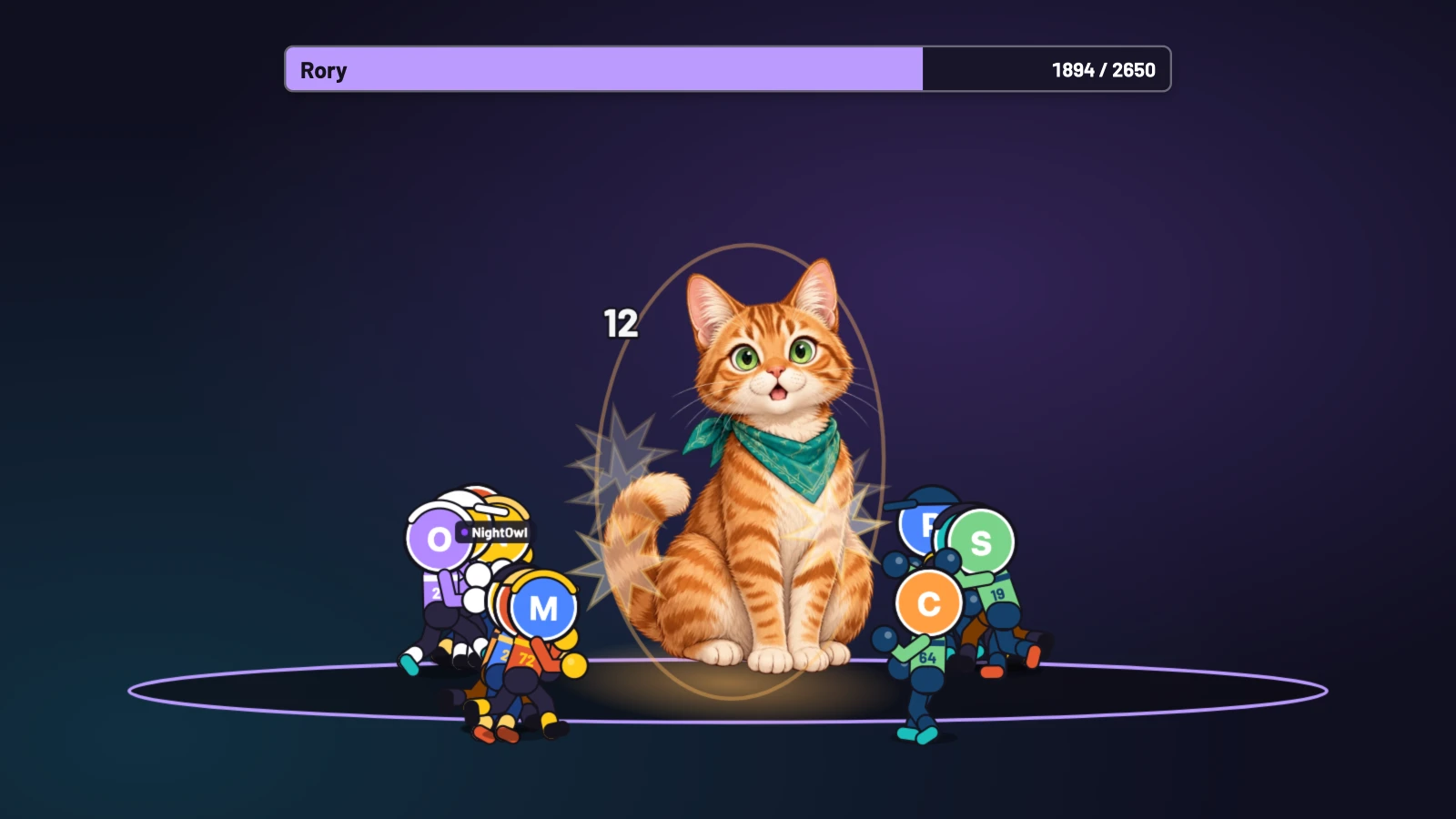
- Open a Boss Fight from the host controls, an enabled start command or a linked reward. Viewers join with
!play. - Once recruitment closes, the team attacks automatically. Watch the health bar, big hits and knockouts—joining is enough to take part.
- Bring down the boss to win as a team. Auto difficulty sizes the boss to the joined roster; fixed difficulty presets are available too.
Duels: settle it on stream.
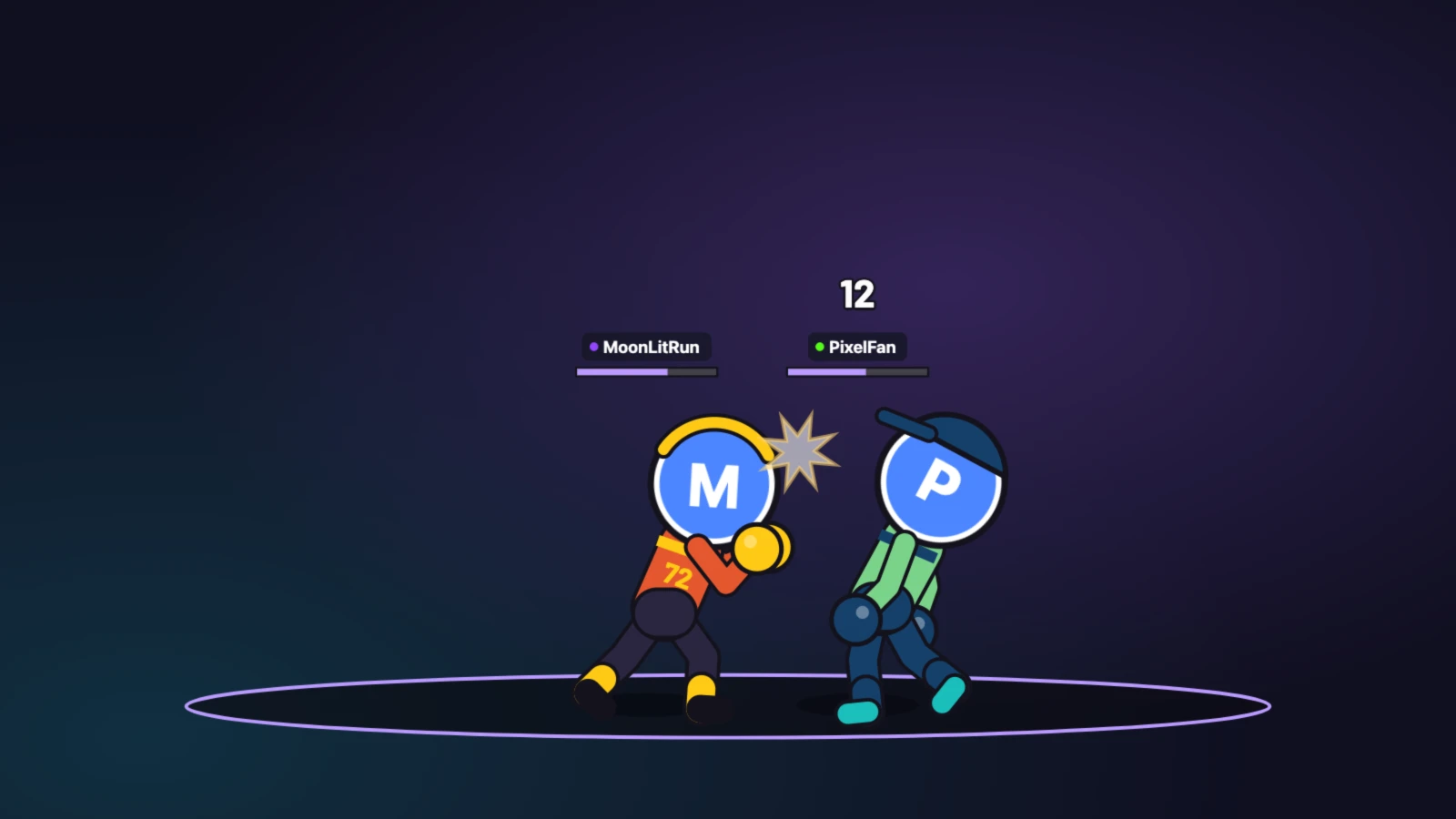
Two viewers. Equal combat stats. Random attacks. An extremely serious argument about who got lucky. Arena turns a friendly challenge into an animated fight, with punches, kicks, health bars and a result everyone can see.
- Type
!fight @nameto challenge a viewer, or just!fightto open a challenge anyone eligible can accept. - The other viewer types
!acceptto fight or!declineto refuse a direct challenge. No acceptance, no duel. - The fight plays automatically. Wins and rivalries are recorded, but previous results never make a fighter stronger.
Word Mix: one more word. Beat the clock.
For a different kind of chaos, give chat a set of letters and a ticking clock. Everyone helps reach the team goal while racing for a place on the personal leaderboard. Later levels introduce hidden and decoy letters.
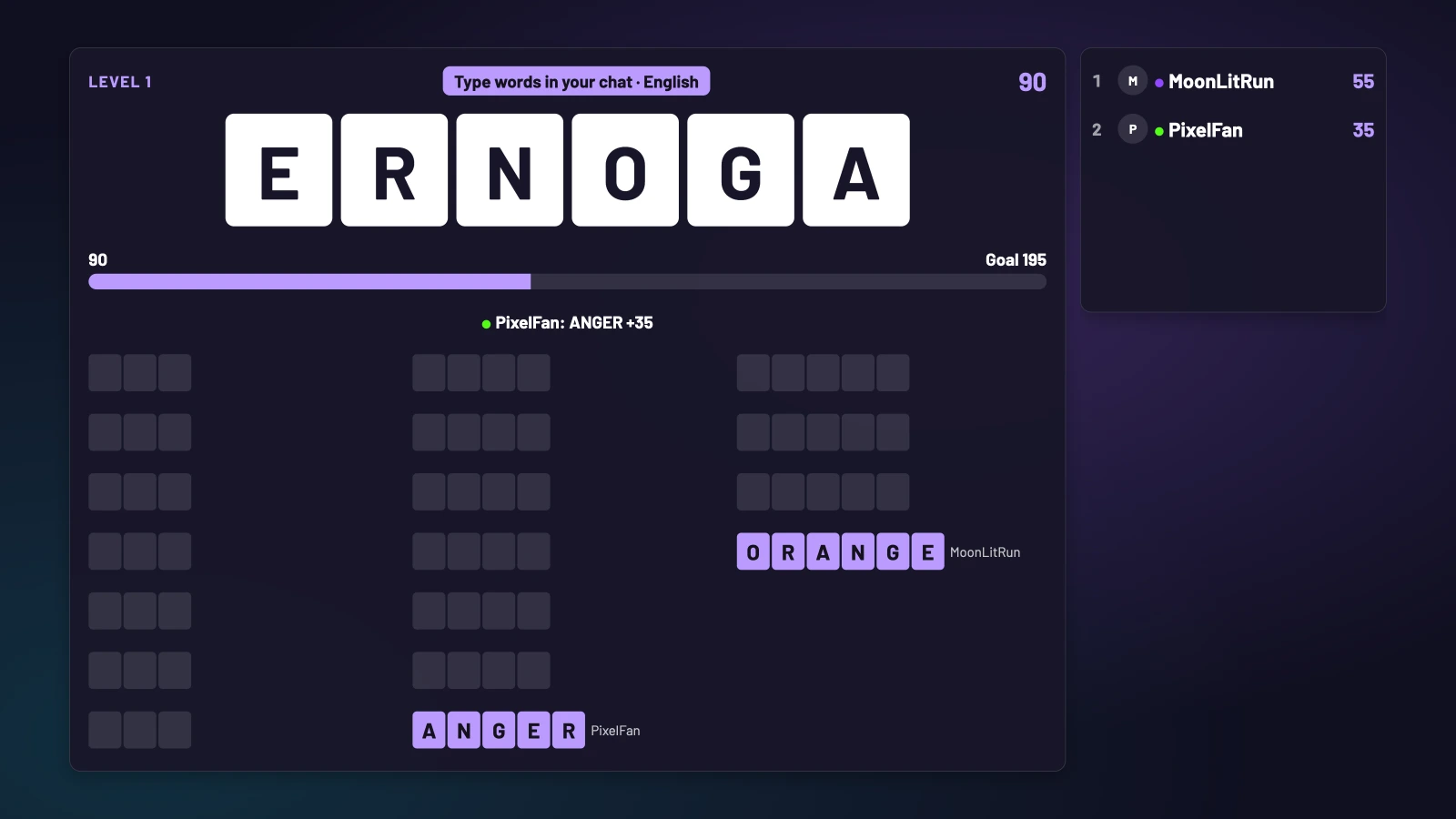
- Type words made from the letters directly in chat. No join command is needed.
- The first eligible correct answer claims the word and its points. Reach the goal before time runs out to keep the run going.
- Choose automatic progression or Bonus Hunt, where chat keeps finding words after reaching the goal. Word packs cover all 15 app languages; non-English packs are compact and repeat sooner.
You take a break. Chat takes another round.
Your BRB screen can be a place to play. Put Word Mix inside the new themed BRB layout and let your community keep solving words while you're away. Trapdoor and Boss Fight are available too. BRB keeps its chosen game going automatically until you return.
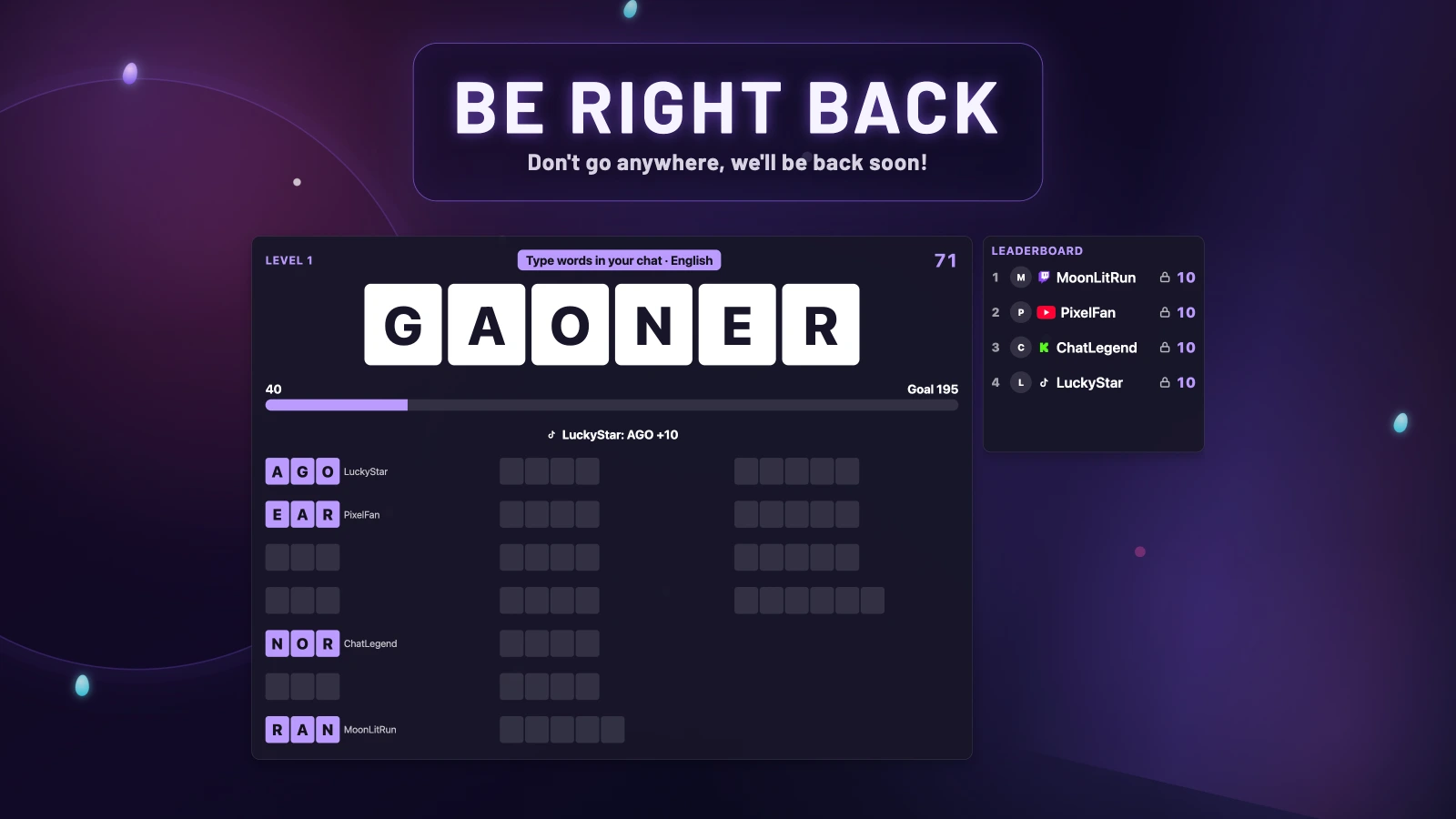
- Open Games → Setup, enable Games and Word Mix, and select the connected chats you want to include.
- Open Scene → Widgets → Specials and edit Be Right Back. In General, find Content.
- Set What to Show to A Game, choose Word Mix under Game, then Save. Games must be enabled for the game option to appear.
- Press Play for Be Right Back from the Dashboard, Pilot or OBS action dock when you step away. Stop BRB when you return.
Want a highlight break instead? Choose Twitch Clips to play clips from your own connected Twitch channel, or Custom Video to choose an uploaded video and optionally loop it. Personalize the title, subtitle, horizontal and vertical backgrounds, and music; your Scene Theme supplies the look.
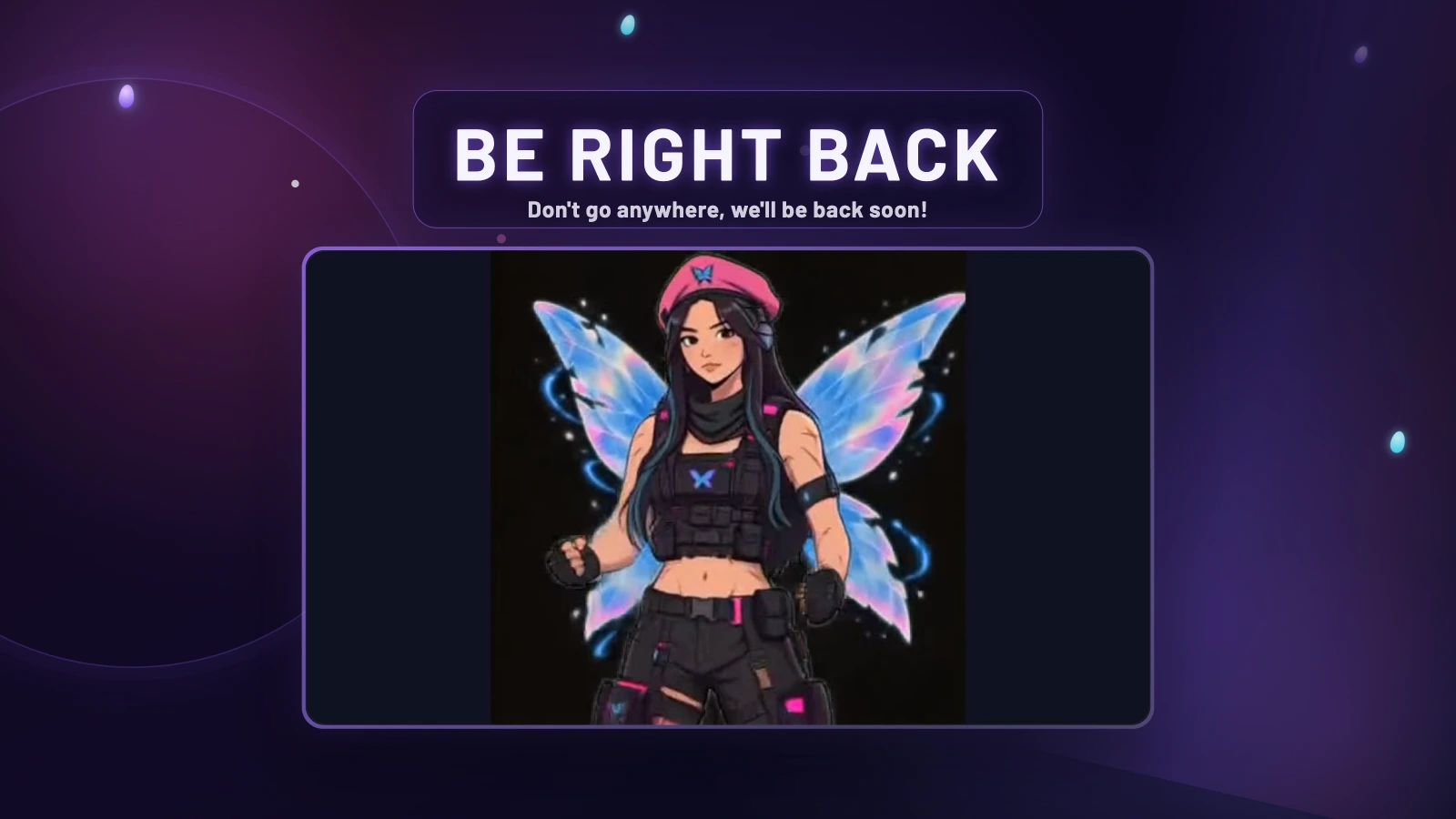
A game started by BRB stops when BRB ends. A game that was already running moves into the BRB area and continues afterwards.
Your stream. Your rules.
Games works with your selected connected chats. The overlay tells viewers how to participate, so the instructions are on the stream itself. Run a game from the Dashboard, Pilot or the OBS action dock, and stop it when it's time to get back to your own game.
- Enable only the games you want. Set duel cooldowns so the same viewer can't keep launching challenges.
- Adjust each game's placement, music and sound effects. Games follows your Scene Theme, with horizontal and vertical layouts.
- Keep the bragging rights: Games → Statistics tracks player records, with search and reset controls. Viewers can request their own records with
!gamestats.
Make chat the main event
- Open Games → Setup, enable Games and select the chats you want to include. Turn on your chosen games in their tabs.
- Games appears inside your connected Stream Scene. If it is not set up yet, open Overlays and add the matching horizontal or vertical Stream Scene Browser Source to OBS or Streamlabs.
- Position each game in the preview, choose your boss and adjust the audio. Sample previews can also appear on your connected stream, without writing chat messages or statistics.
- Start Trapdoor, Boss Fight or Word Mix from the Dashboard, Pilot or the OBS action dock. Duels are started by viewers with
!fight. Rewards can also start the other games when their integration is enabled.
Actual PixelyChat gameplay with sample players. Each game runs separately; the montage shows the different games together.