One unified feed
See messages from Twitch, YouTube, Kick and TikTok together instead of four separate chat windows.
PixelyChat combines your connected platform chats into one readable feed so you can stop bouncing between browser tabs while you stream.
Free on Windows, macOS and Linux. No subscription or ads.
The goal is simple: keep every conversation visible while preserving the useful platform-specific tools you already need.
See messages from Twitch, YouTube, Kick and TikTok together instead of four separate chat windows.
Platform icons, usernames and native or external emotes help you see where every message came from.
Moderation, TTS, translation, overlays, alerts and bot tools stay close to the chat.
Log in to each supported platform and PixelyChat keeps their chat in the same desktop workflow. You don't need to copy stream keys or channel IDs.
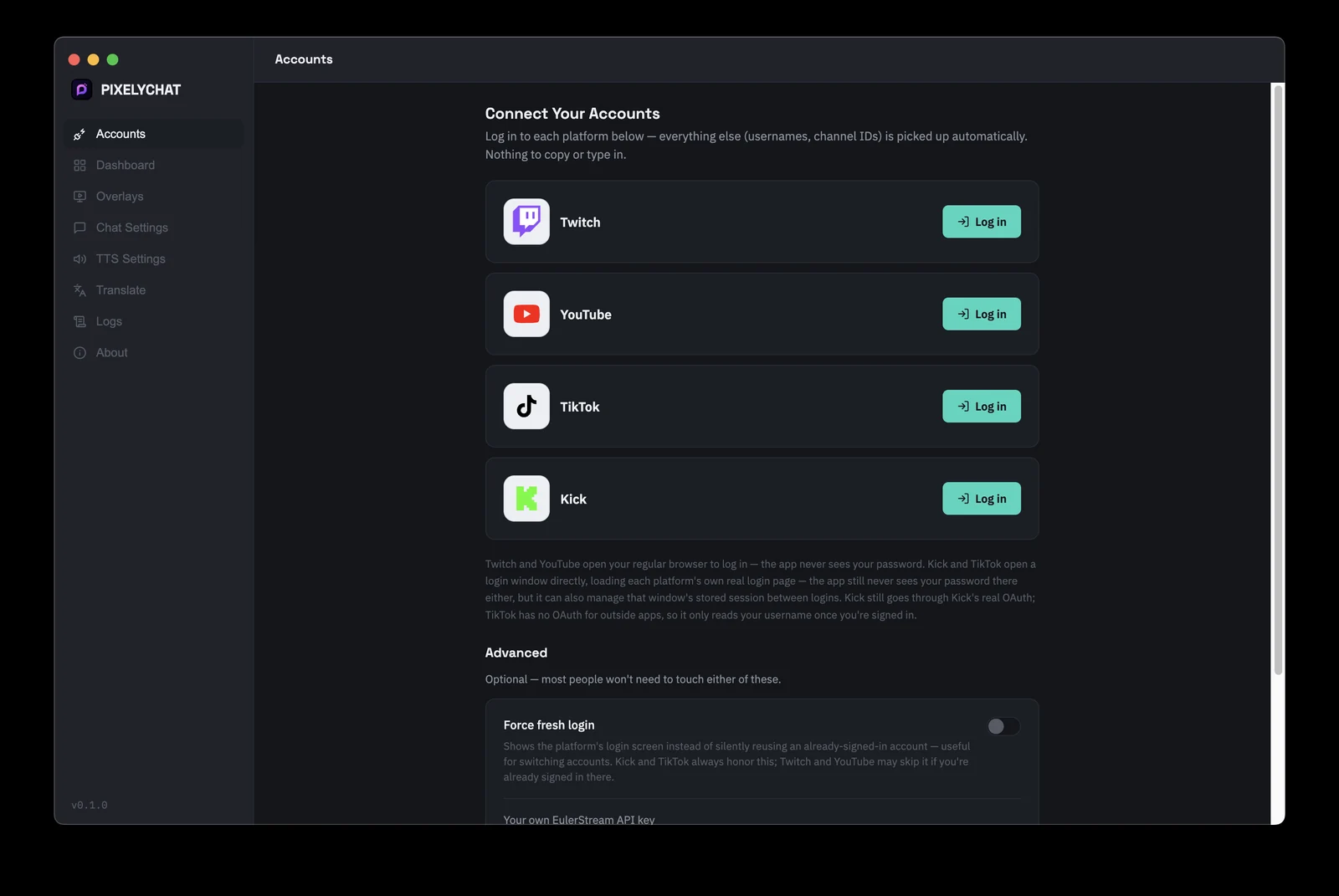
A unified feed is only useful if it helps you act on messages. PixelyChat adds moderation, TTS, translation, emotes, bot commands and on-screen output around the same chat workflow.
PixelyChat keeps the setup simple so you can get back to streaming.
Sign in to the streaming accounts you want to monitor.
Choose how chat looks, reads aloud and appears on stream.
PixelyChat runs quietly while your messages stay together.
Yes. PixelyChat is designed to show connected chats in one unified feed.
Yes. PixelyChat runs natively on Windows, macOS and Linux.
PixelyChat can send chat messages on supported platforms; TikTok write support is more limited than the other platforms.
Related PixelyChat guides and features.
PixelyChat brings your chat, TTS, translation, alerts and moderation into one desktop app built around the way streamers actually work.